Building a RAG Chatbot With BotChap and OpenAI
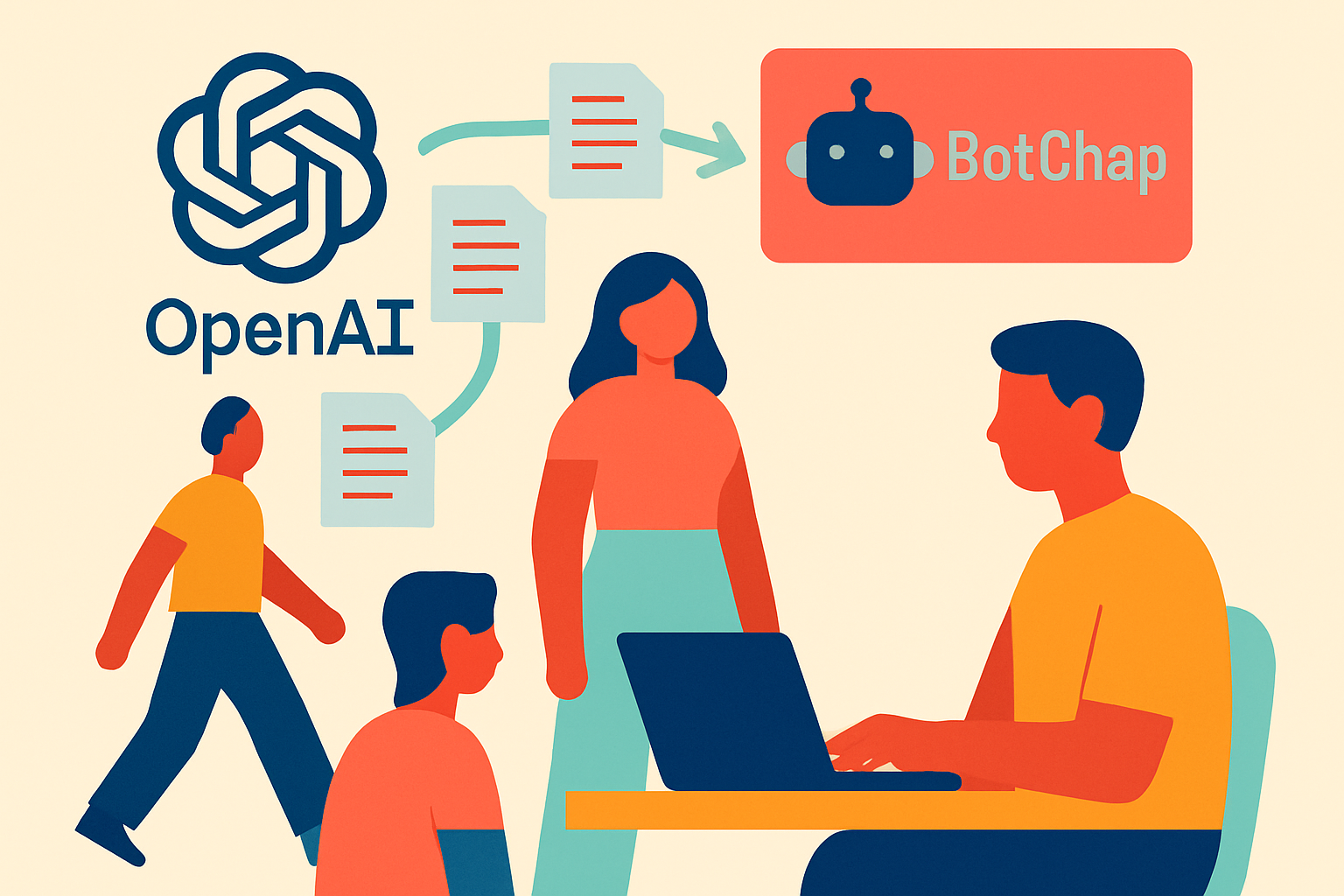
RAG — Retrieval Augmented Generation — is the technique behind AI chatbots that answer from specific documents rather than general AI knowledge. Instead of making up an answer, the AI retrieves relevant passages from your content and bases its response on them.
This is the difference between an AI that says "I'm not sure about your specific pricing" and one that says "Based on your documents, the Standard package is $250/month and includes X, Y, Z."
BotChap's Knowledge Base makes RAG accessible without any infrastructure setup. Here's how to build it.
What You'll Need
- A BotChap account (Starter plan or higher for Knowledge Base)
- An OpenAI API key
- A document you want the AI to answer from (PDF, DOCX, or text)
Step 1: Prepare Your Document
RAG works best when your document is clean, structured, and specific. For a service business, a good knowledge base document includes:
- Overview of services with descriptions
- Pricing for each service or package
- FAQ (at least 10-15 common questions with detailed answers)
- Process / how you work with clients
- Policies (cancellation, refunds, scope of work)
- Unique value propositions
Aim for 1,000-3,000 words. More detail = better answers. Vague documents produce vague answers.
Step 2: Connect Your OpenAI API Key
In your BotChap dashboard, open the widget editor and navigate to the Backend tab. Select BotChap AI (Built-in) and then connect your OpenAI API key in the Knowledge Base settings.
BotChap uses your key to embed your documents (via OpenAI's embedding API) and to generate answers (via the Chat Completions API). Your key is stored encrypted and never exposed to the browser.
Step 3: Upload Your Document
In the Knowledge Base tab of your widget editor:
- Click "Upload Document"
- Select your PDF or DOCX file
- Wait for the processing indicator to complete
BotChap chunks your document, generates embeddings for each chunk, and stores them in a vector index. This typically takes 30-60 seconds for a standard-length document.
You can upload multiple documents. BotChap searches across all of them when responding to questions.
Step 4: Configure the System Prompt
The system prompt tells the AI how to behave. In the Knowledge Base settings, you'll find a system prompt field. A good starting prompt for a service business:
You are a helpful assistant for [Business Name]. Answer questions based on the provided knowledge base.
Be concise and helpful. If the answer is not in the knowledge base, say "I don't have that information —
please contact [contact method] directly." Do not make up prices or services.
This instruction set prevents hallucination and ensures the AI stays within the bounds of your content.
Step 5: Test Before Deploying
Before deploying, test the chatbot in the live preview with questions your clients actually ask. Check:
- Does it correctly state your prices?
- Does it accurately explain your most complex service?
- Does it handle edge cases gracefully (questions outside your documents)?
- Does the fallback message trigger appropriately?
Adjust your document if answers are inaccurate. More specific content = more specific answers.
Step 6: Deploy
Once satisfied, copy the embed script from your widget settings and add it to your website. Or share the direct link in your Instagram bio or email signature.
Your RAG chatbot is live.
Performance Tips
- Update documents regularly: Stale content produces wrong answers. Set a reminder to review and update your knowledge base quarterly.
- Add Q&A pairs directly: If you notice the AI struggles with specific questions, add a dedicated Q&A section to your document with the exact question phrasing clients use.
- Keep chunks focused: If your document covers many topics, consider splitting it into separate documents (e.g., "Services & Pricing," "FAQ," "Process & Policies") for cleaner retrieval.
What This Looks Like in Production
A well-configured BotChap RAG chatbot handles 70-80% of client questions accurately without any human intervention. The remaining 20-30% either trigger a graceful fallback ("I don't have that specific information — please contact us directly") or surface as questions you should add to your knowledge base.
Over time, as you expand your knowledge base based on real client questions, that accuracy rate climbs. Most business owners report that within a month of deployment, they've stopped getting the questions that their AI now handles.
That time goes back to doing actual work.