How to trigger lead qualification and feedback surveys inside BotChap
When visitors engage with a conversational assistant on your website, their intent is at its highest point while the conversation is active.
BotChap Blog
Step-by-step guides for building AI chat widgets, connecting backends, and shipping production-ready chatbots on any website.

When visitors engage with a conversational assistant on your website, their intent is at its highest point while the conversation is active.

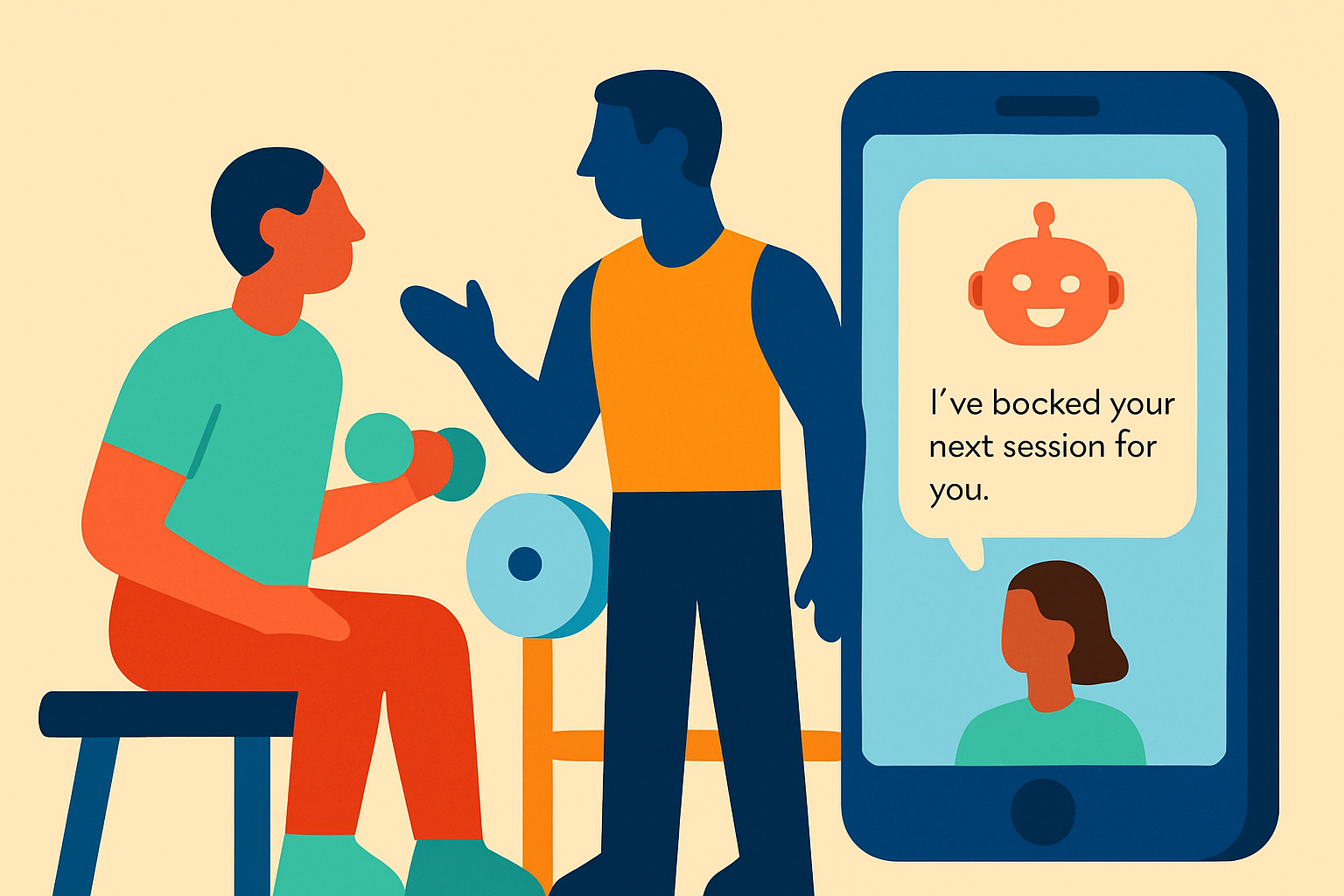
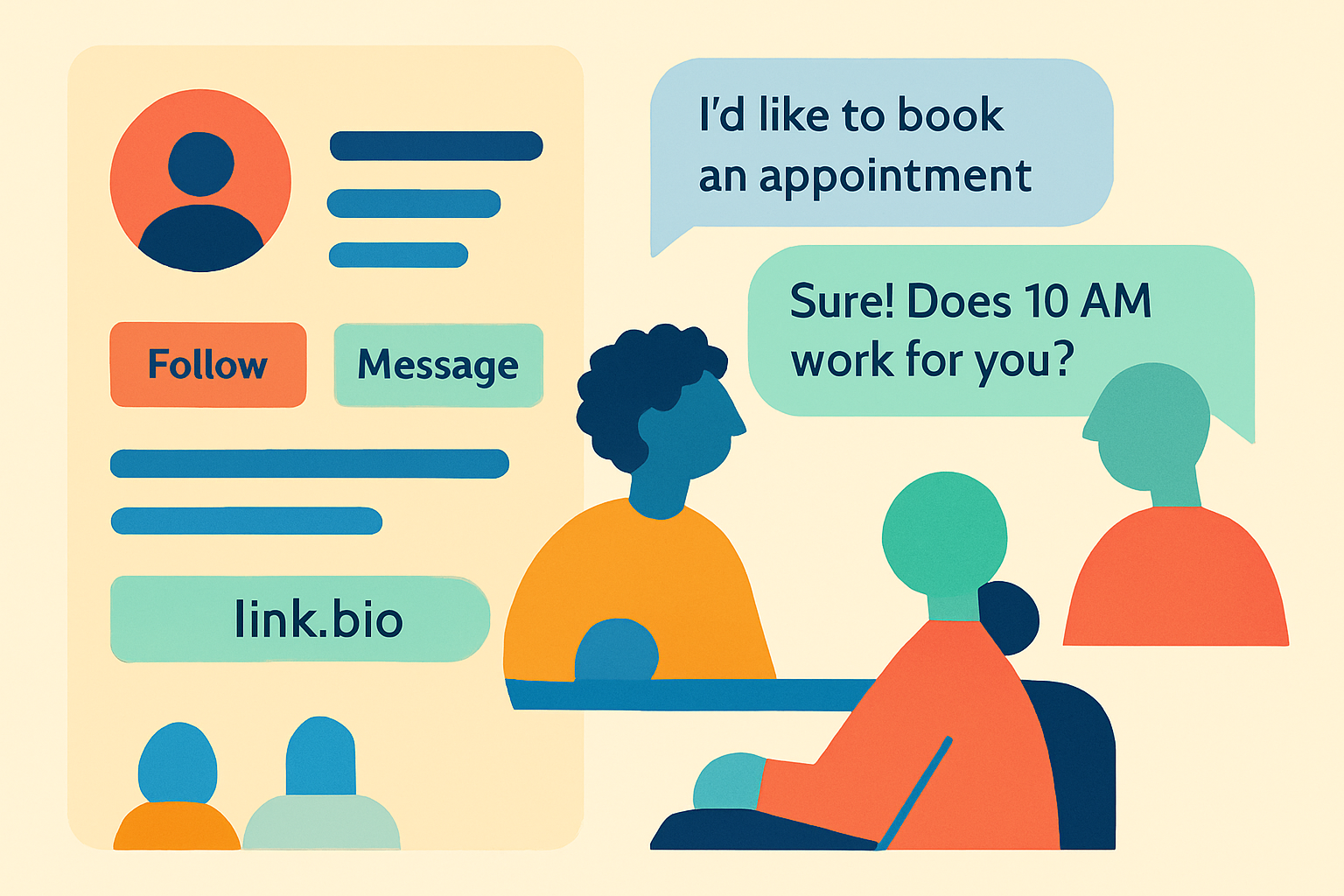
When a visitor wants to book an appointment with your business, sending them to an external calendar link or a static form often breaks momentum. A visitor who is already on your page or chatting with your bot usually has questions first.

For a lot of small businesses the first question never comes through a website. It arrives as an Instagram DM late in the evening, or a Messenger chat while you are busy with a client. BotChap can now answer both.

Some questions are hard to put into words. The little plastic thing under the handle snapped. The box arrived like this. Can you do this colour? A photo answers them before the customer has finished typing.

A chatbot is only as useful as the content sitting behind it. BotChap grounds answers in your own material through two knowledge-base inputs: you can upload documents, or you can crawl website content, so the chat answers from what your

The best moment to ask a customer what they think is right after they've engaged. BotChap surveys live inside the widget, fire on the trigger you choose, and email you the responses. Here's the full feature breakdown plus six concrete use cases.

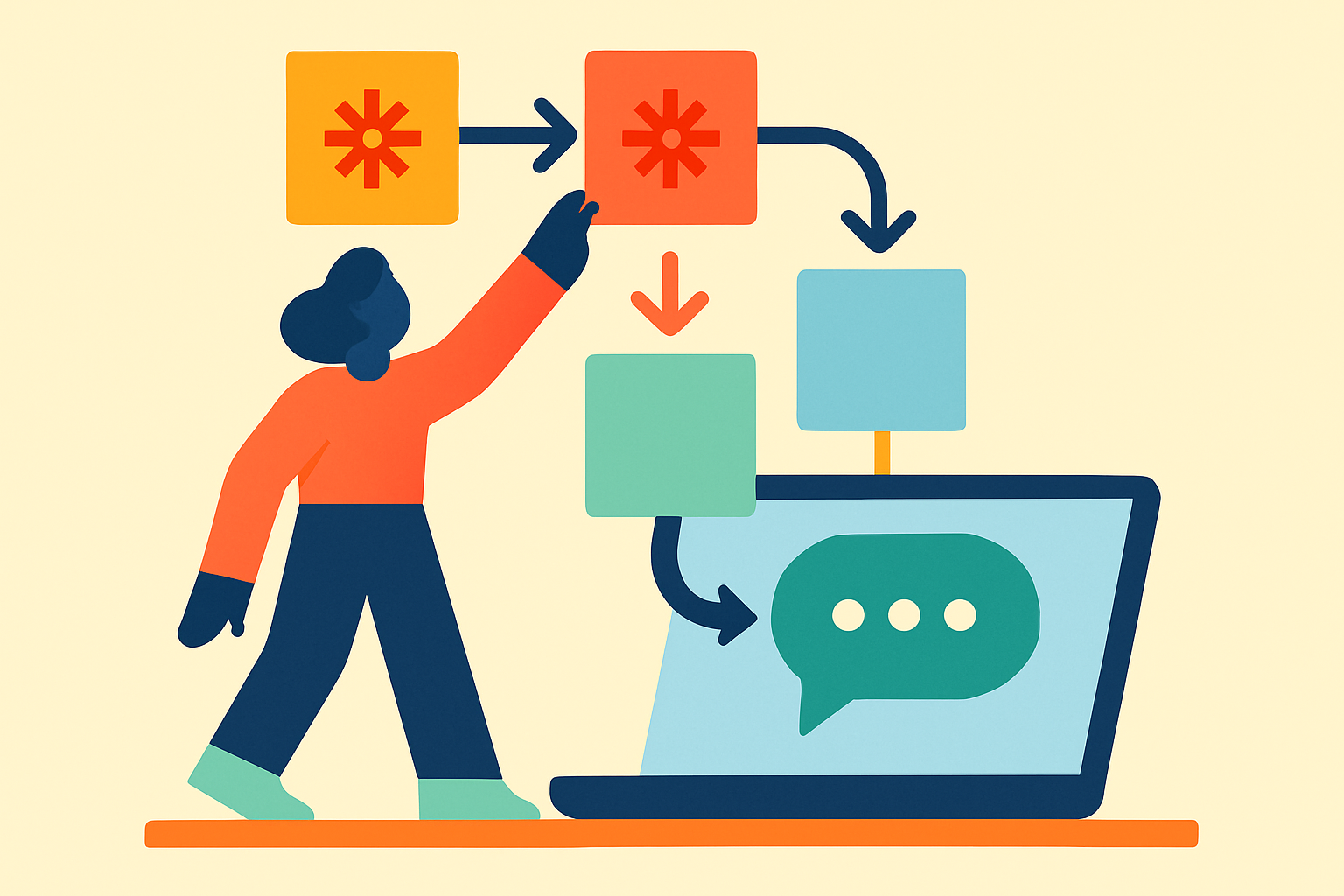
You already run your business automations through Zapier. Here's how to put a branded AI chat widget in front of those same Zaps in 15 minutes.

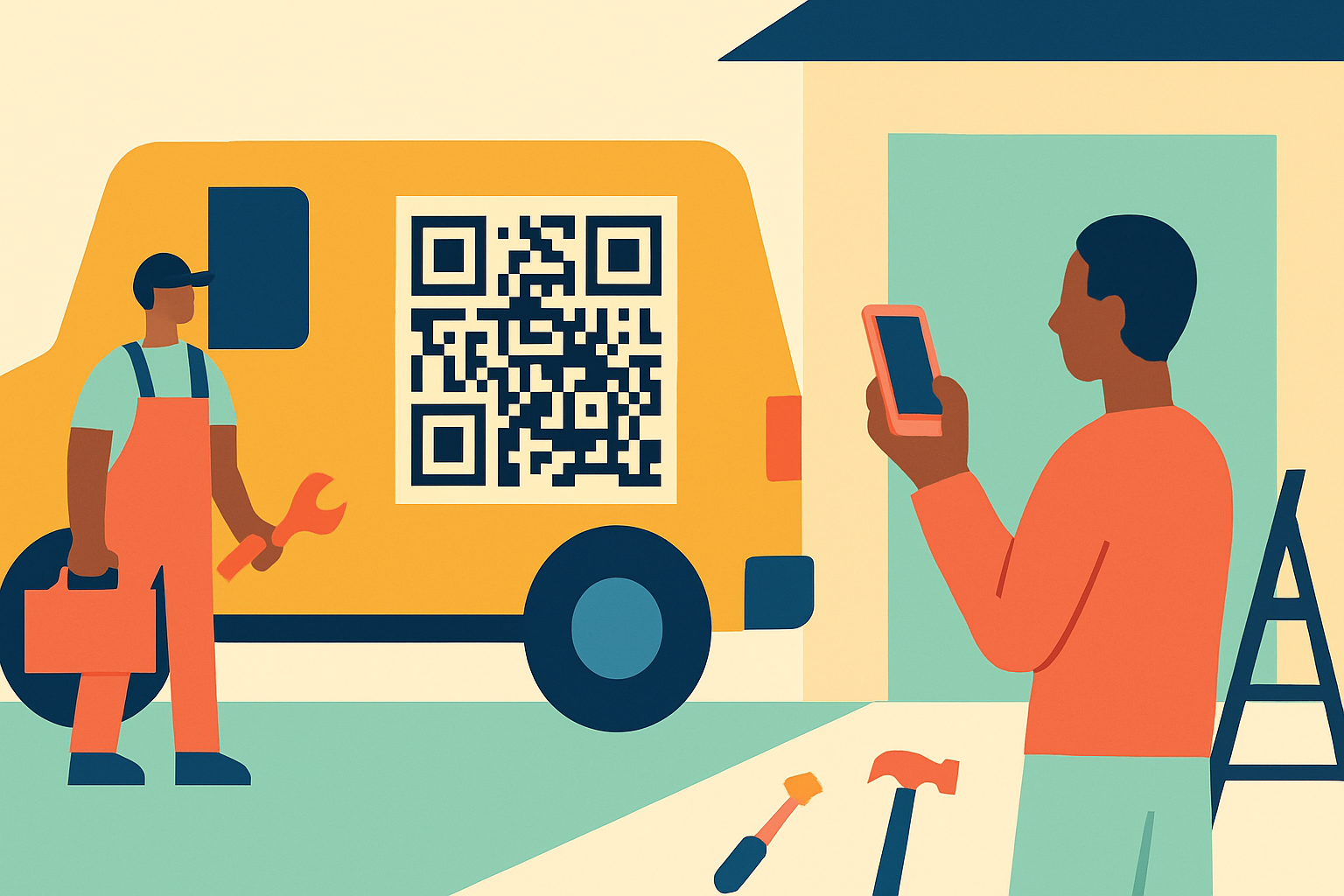
Most AI chatbot tools assume you have a website. A lot of solo professionals don't. Here are 20 real scenarios, from private tutors to roofers, using a printable QR code or a shareable link to turn first questions into booked work.

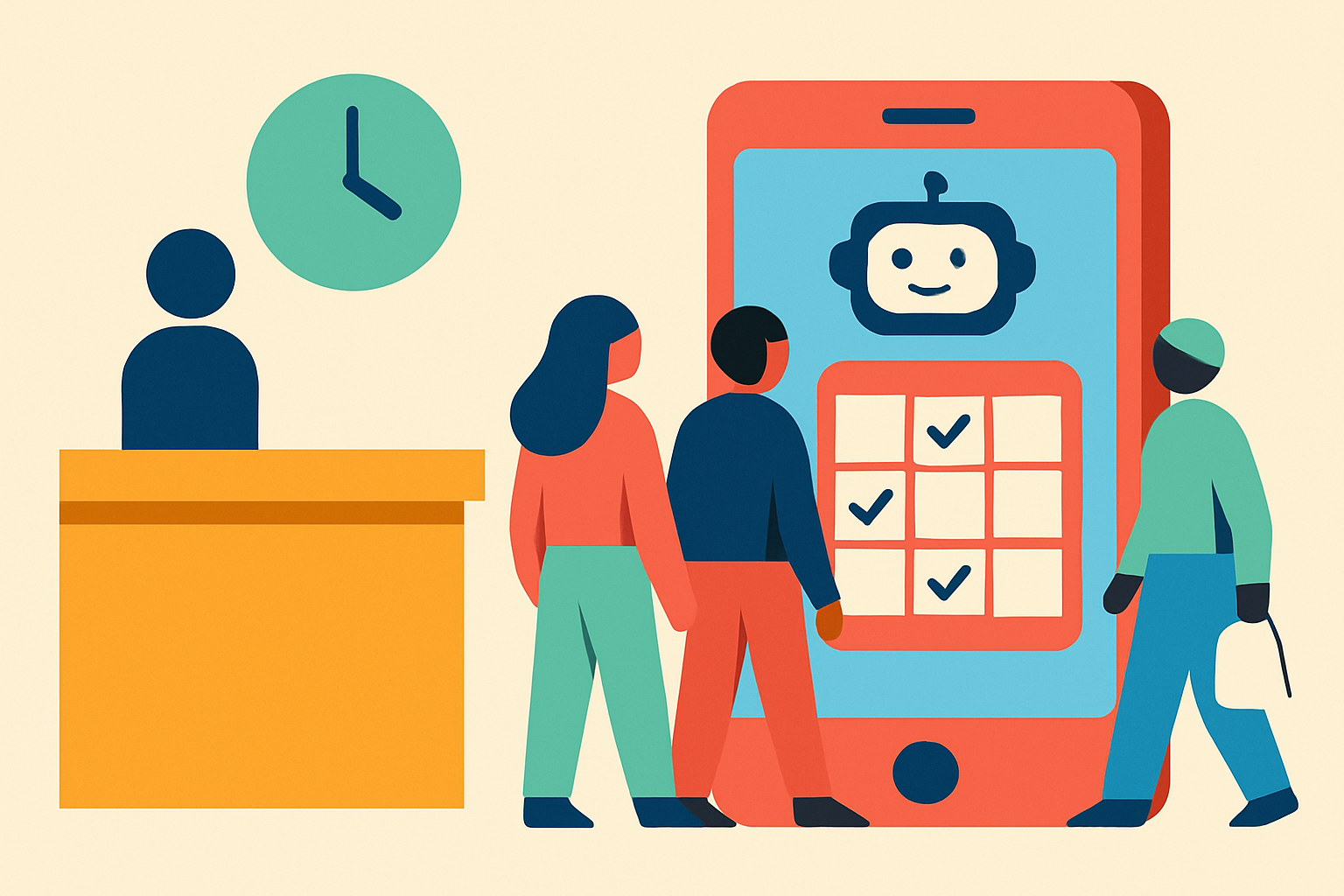
You're mid-session, mid-job, mid-procedure. Your phone is ringing. By the time you check it, the lead has moved on. Here's why this keeps happening, and how to stop it.