In-Widget Surveys: Run NPS, CSAT, and Lead Qualification Inside the Chat
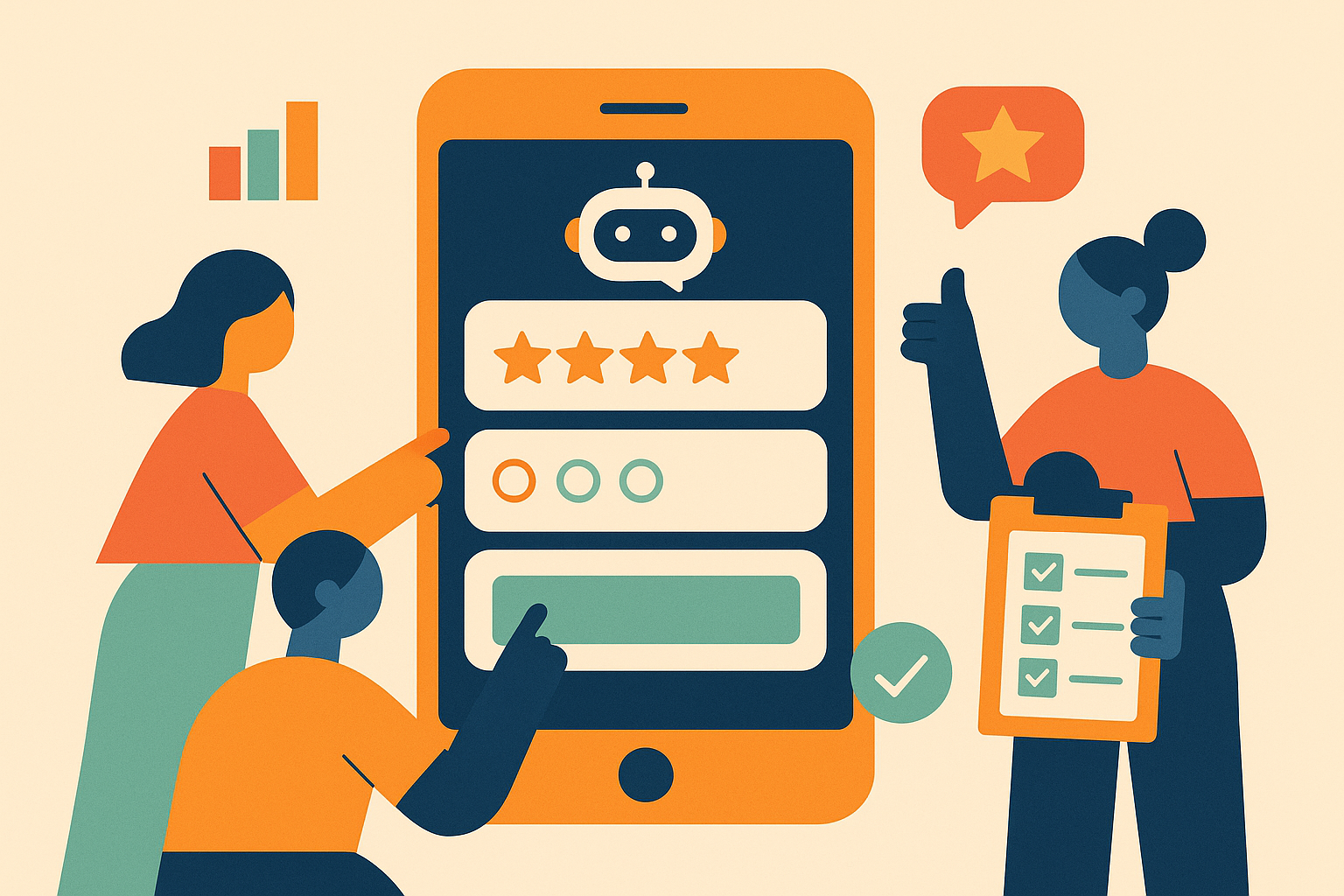
The best moment to ask a customer what they think is right after they've talked to you. They've already engaged. They have something to say. Don't lose that signal by emailing them a SurveyMonkey link three days later.
Today we're shipping in-widget surveys for BotChap. They're built for the moment in a conversation when a question is most useful, not the inbox they'll read tomorrow. This post walks through what's in the feature, the four trigger types, the seven question formats, and six use cases pulled from real customer scenarios.
Surveys are available on the Growth ($17.99/month) and Scale ($79.99/month) plans. Free and Starter accounts see the configuration UI but with an upgrade banner instead of an enable toggle.
Why Surveys Should Live Inside the Chat
Three reasons.
Context decay is real. A visitor who just had a five-message conversation about your pricing will give a different (and more useful) answer than the same person responding to a follow-up email two days later. Their reasons, their objections, their wins are still loaded in working memory. Anything you ask within the same minute compounds the signal you already collected from the chat.
Conversion drop-off is brutal. A standalone survey link sits at roughly 2-5% completion in the wild. The same survey, embedded as the natural next beat of an active conversation, routinely lands at 30-50%. The friction of clicking a separate URL, signing into a third-party site, and orienting to a new UI is what kills response rate, not the questions themselves.
You skip the integration tax. Standalone tools (Typeform, SurveyMonkey, Tally) require either an API integration to tie responses back to the conversation, or a manual reconciliation pass. With in-widget surveys you already have the chat session, the visitor's IP, the page they were on, and the contact info they provided. The response email shows up with everything already correlated.
The trade-off: you can only ask short surveys this way. We capped the format at form cards (one question per card with Back/Next), and most teams should target three to seven questions per survey. The post-chat moment is for a quick read of the room, not a 30-question research project.
The Four Trigger Types
Each chatbot can have one survey configured. The interesting decision is when it should fire. BotChap supports four trigger types and you can enable any combination.
1. Standalone
The widget opens directly into the survey. The chat panel doesn't render at all until the survey is dismissed or completed. Useful when the survey is the only thing you want from this widget, for example, a feedback widget linked from a transactional email, or a stand-alone NPS link.
2. After chat (post-chat)
Configure a "minimum messages" threshold (default 1). Once the visitor has sent that many messages and then closes the widget, the survey appears. This is the canonical NPS placement, let them finish the conversation, then ask the score before they leave.
3. Mid-chat AI intent
The most interesting trigger. You describe in plain English what should fire the survey: "when the visitor mentions cancelling their subscription", "when they ask about pricing", "when they express frustration". Every visitor message is classified by Gemini against your description, and if it matches, the survey launches in place of the next AI reply.
This is the trigger that makes surveys contextual instead of generic. The visitor doesn't get every survey, they get the survey only when their message hits the topic you actually care about.
4. Manual button
A pill-shaped button sits above the chat input with a label you choose ("Take our survey", "Help us improve", "Quick feedback"). Visitors can click it any time. Combine this with one of the automatic triggers as a backup, the visitor who didn't fit the intent classifier can still volunteer.
The Seven Question Types
Standard set, no exotic question formats. Branching logic is intentionally not supported in v1, you order questions, you mark them required, and visitors progress linearly with Back/Next.
| Type | Use it for | |---|---| | Short text | Email, name, role, "what brings you here today" | | Long text | Open-ended feedback, "tell us more" | | Single choice (radio) | Mutually exclusive options, plan picker, account type | | Multi choice (checkbox) | Multi-select, features used, channels they came from | | Rating 1–5 | CSAT, satisfaction, ease-of-use scoring | | NPS 0–10 | Net Promoter Score, the standard 11-button scale | | Yes / No | Permission, intent confirmation, single-question filters |
You can mark any question required, visitors can't advance past it without an answer.
Use Case 1: E-commerce. Catch Returns Before They Happen
Problem: customers thinking about returning a product rarely tell the store before clicking "Request return". By the time you find out, the return has already been logged.
Setup: mid-chat AI intent trigger with the description "when the visitor mentions returning, refunding, or exchanging a product". Three questions:
- Reason for returning (single choice: doesn't fit / not as described / changed my mind / damaged / other)
- Product satisfaction (rating 1–5)
- Anything we could have done differently? (long text, optional)
Result: the chatbot answers the return question normally, but the survey fires alongside. The store gets a structured weekly digest of return drivers without anyone having to ask.
Use Case 2: Dental Practice. Frictionless NPS
Problem: the practice wanted NPS data but the patient portal email survey had a 3% completion rate.
Setup: post-chat trigger with minMessages = 1. Two questions:
- How likely are you to recommend us to a friend? (NPS 0–10, required)
- What's the main reason for your score? (long text, optional)
Result: every visitor who chats and then closes sees the survey. NPS submission rate jumped from 3% to 41% in the first week. The owner reads the long-text answers Friday afternoon and uses them for the next staff meeting.
Use Case 3: Real Estate. High-Intent Lead Qualification
Problem: a real estate agent wanted to qualify high-intent visitors on listing pages without a friction-heavy contact form.
Setup: standalone trigger on a high-traffic listing page. Four questions:
- What price range are you considering? (single choice: <$300k, $300-500k, $500-750k, $750k+)
- How soon are you looking to buy? (single choice: this month, 1–3 months, 3–6 months, exploring)
- Best time to reach you? (short text)
- Phone or email preferred? (single choice)
Result: the agent gets a qualified lead in their inbox with all four answers tagged. They follow up only with high-intent buyers (1–3 months window, $500k+) and skip the rest. Wastes less time, closes faster.
Use Case 4: B2B SaaS. Champion User Feedback Loop
Problem: the SaaS team wanted ongoing feedback from power users without spamming everyone.
Setup: manual button labeled "Help us improve" combined with a mid-chat intent trigger for "when the visitor asks for a feature we don't have". Three questions:
- What were you trying to do? (long text, required)
- How important is this to you? (rating 1–5)
- Any workaround you're using? (long text, optional)
Result: champion users self-identify by clicking the pill. The intent trigger catches feature requests that would otherwise be lost in support tickets. The product team has a structured backlog of customer-driven feature requests by week's end.
Use Case 5: Fitness Studio. Trial Class Feedback
Problem: trial classes ended with the trainer asking "how was it?", feedback was inconsistent and non-actionable.
Setup: post-chat trigger after a chat session that includes the booking confirmation. Three questions:
- How was your trial class? (rating 1–5, required)
- How likely are you to book a full membership? (NPS 0–10, required)
- What would make you say yes? (long text, optional)
Result: the studio owner sees patterns across trials. Trainers stop asking "how was it?" verbally and the data is structured. Conversion rate from trial to paid membership becomes traceable for the first time.
Use Case 6: Agency. White-Label Client Reporting
Problem: agencies running BotChap for end clients wanted a way to capture end-client satisfaction without building a separate dashboard.
Setup: mid-chat intent trigger for "when the visitor expresses frustration with the response or asks for a human". Two questions:
- Was the chatbot helpful? (yes/no, required)
- What did you need that we didn't deliver? (long text, optional)
Result: the agency receives the response email at their notifyEmail. They forward digest weekly to the end client as part of the QBR. White-label stays intact, the visitor never sees BotChap, just the agency's branded widget.
How to Configure Yours
In your BotChap dashboard, open any chatbot, switch the Backend Type to "BotChap AI Assistant" if it isn't already, and you'll see the Survey row directly under Calendar Booking. Click Settings to open the modal.
Three sections: Basics (title, intro text, thank-you message, notify email), Triggers (pick any combination of the four), and Questions (add as many as you need, mark required, reorder freely). Save the chatbot, surveys go live immediately on every embed.
For testing, the easiest path is to enable the manual trigger first and click the pill yourself a few times. Once you're confident in the questions and the email format, switch on the automatic triggers.
What's Not in v1 (Yet)
We deliberately shipped a small surface area. Things that didn't make this release but are on the roadmap:
- Response storage / dashboard. Today, responses are emailed only. The next release will add a Responses tab in the editor with table view, basic stats (response count, avg rating, NPS score), and CSV export.
- Branching logic. Today, questions are linear. Conditional branching ("if answer = X, skip to Q5") will land alongside the dashboard.
- Webhooks / Zapier / CRM push. Email is the only delivery path right now. Direct integrations are tracked but not committed.
- A/B testing of surveys. One survey per chatbot today. Multi-variant tests need response storage first, so they'll come together.
If any of these unblock a use case you have, tell us, the order is determined by what customers ask for.
Related Reading
- In-Widget Surveys feature page, full benefit list and FAQ
- AI Assistant feature page, surveys ride on the BotChap AI backend, so this is the prerequisite
- Knowledge Base feature, for context on how the AI answers visitor questions before the survey fires
- AI chatbot widget, the product overview if you are still deciding whether to run one at all
Surveys are live for every Growth and Scale account today. Open your chatbot editor, switch to Backend → BotChap AI Assistant → Survey → Settings, and you'll have your first response in your inbox before the day is out.