20 Real-World Ways Solo Professionals Use a QR Code Chatbot (Without a Website)
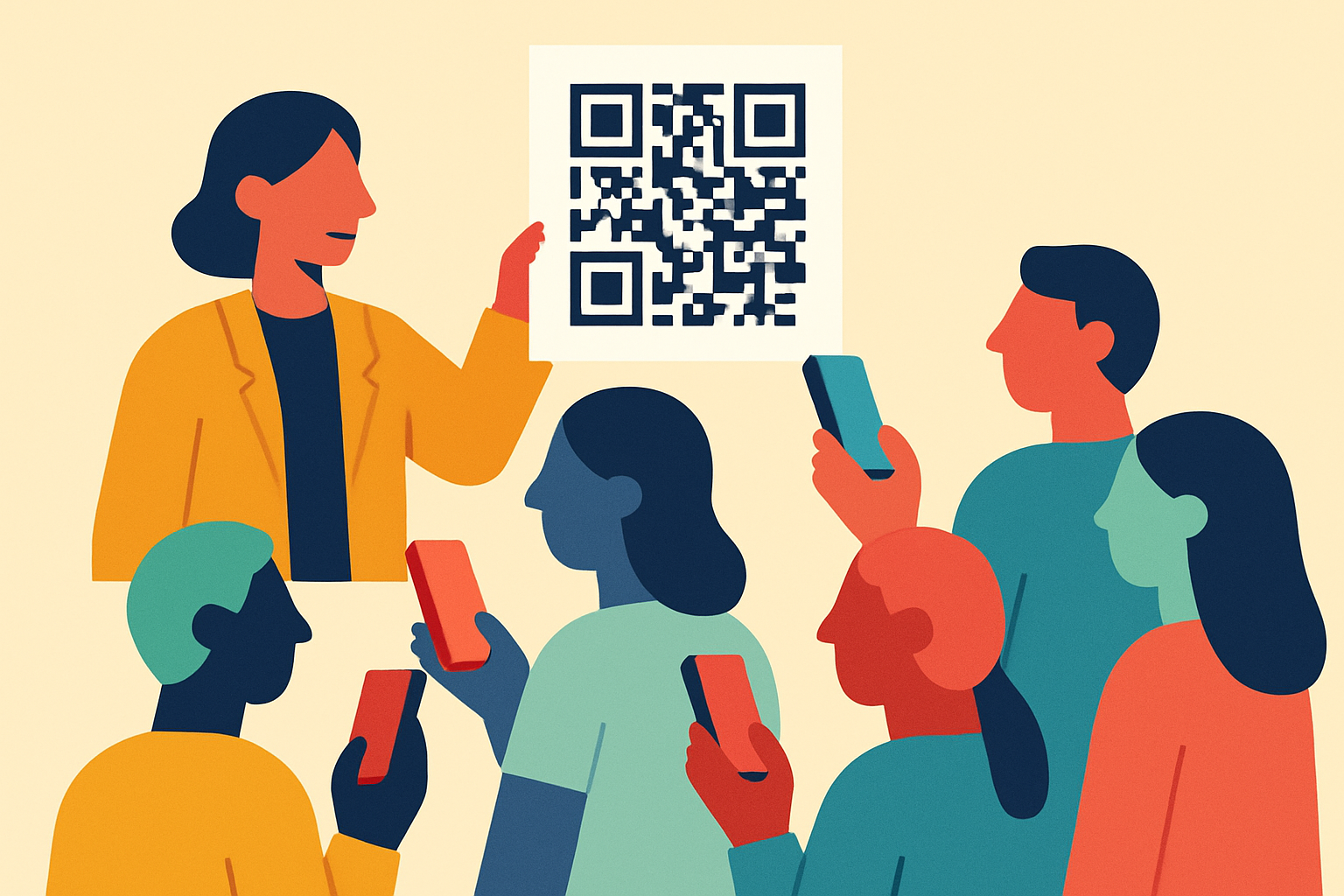
Most AI chatbot tools are built for websites. But a lot of the people who would benefit most (tutors, trainers, tradespeople, stylists) do not have a website at all. Their clients find them on Instagram, pick up a flyer at a coffee shop, or read the logo on a van driving past.
BotChap gives every chatbot a permanent QR code and a direct link. No website required. You can print it on a sticker, paste it in your Instagram bio, drop it in an email signature, or tape it to your fridge. A client scans or taps, your AI answers, and the conversation ends with a booking.
The QR Code Chatbot feature page already walks through four core examples: a handyman's van, a trainer's Instagram, a consultant's email, an Airbnb host's fridge. This post extends that with 20 more concrete scenarios across very different industries. Read them as prompts for your own setup. The pattern is almost always the same. Put the code where clients already look, and let the AI handle the first 10 questions so you can keep working.
1. The Private Tutor
Channel: Twitter bio + WhatsApp profile link
A direct link is pinned to the top of the tutor's Twitter and WhatsApp profile. Parents click to ask "What grades do you teach?" or "Do you prepare for the SAT?" and immediately see available time slots to book a recurring weekly session.
Why it works: Parents research tutors on their phone, often late at night. Nobody replies at 11 PM. But the AI can answer subject coverage, pricing, and age range, and hold the booking until the tutor is back.
2. The Yoga Instructor
Channel: QR code printed on the corner of the studio door
Students arriving early scan to see the day's flow, ask about the difficulty level of the next session, or book a spot in the weekend workshop.
Why it works: The most engaged students are standing right there. A QR code converts idle pre-class time into workshop sign-ups without the instructor pausing her setup.
3. The Independent Auto Mechanic
Channel: QR sticker on the customer's windshield after a service
When the car is due for an oil change, the customer scans the sticker to ask for a quote on tires or to book an inspection, without calling the shop.
Why it works: The sticker sits in the customer's direct line of sight for months. It turns a single service into a recurring relationship without any outbound follow-up from the mechanic.
4. The Freelance Graphic Designer
Channel: Direct link inside every project proposal
Clients click to ask "What's your typical turnaround time?" or "Do you offer source files?" and book a 15-minute kickoff call.
Why it works: Proposals sit in inboxes for days. Instead of the client replying with questions and waiting another 24 hours, they get answers instantly and lock in the kickoff call while still on the proposal.
5. The Landscaper
Channel: Lawn sign on freshly-serviced properties
Neighbors admire the work, scan the code to ask "Do you offer monthly maintenance?" and get an instant estimate and booking link while the crew is still on-site.
Why it works: The best time to sell a lawn service is when the lawn looks best. The QR code captures that interest in the 20-minute window when the manicured lawn is doing the advertising.
6. The Boutique Travel Agent
Channel: Link in LinkedIn bio
Prospects click to ask "Do you specialize in Europe?" or "What's your planning fee?" and book a dream-vacation consultation.
Why it works: LinkedIn gives the agent professional credibility but no way to qualify leads quickly. The AI handles the fit-check ("yes, I do Italy itineraries", "no, I don't do budget cruises") so the agent only talks to clients who are the right match.
7. The Pet Groomer
Channel: QR code on the salon's front window
Passersby scan to check pricing for specific breeds or ask "Is there an opening this Saturday?" and book their pet's appointment instantly.
Why it works: A dog owner walking past with their pet is the warmest possible lead. The window QR converts a glance into a booking without the groomer leaving the dog she's currently drying.
8. The Interior Designer
Channel: QR code on business cards handed out at home shows
Leads scan to ask "What's your style?" or "Do you do kitchen remodels?" and book an initial home walkthrough.
Why it works: Home shows generate a stack of business cards that die in someone's kitchen drawer. The QR code gets the lead into a real conversation that same night, before they forget which booth was which.
9. The Local Plumber
Channel: Magnetic QR code on the service truck's side panel
A neighbor with a leak scans it to ask "Do you handle emergency pipe bursts?" and books a priority service visit while the plumber is nearby.
Why it works: When a pipe is leaking, the first visible plumber wins. A truck-side QR code converts proximity into a confirmed job before the neighbor has time to Google alternatives.
10. The Life Coach
Channel: Direct link in every blog post and newsletter
Readers click to ask "How does coaching differ from therapy?" and book a free 20-minute chemistry call.
Why it works: Readers who finish a coaching blog post are at peak intent. The link gives them a way to act immediately instead of closing the tab and forgetting, with the AI handling the differentiation question that would otherwise eat a discovery call.
11. The Roofer
Channel: Flyers with a QR code, dropped in neighborhoods after a storm
Homeowners scan to ask "Do you work with insurance?" and book a free damage assessment.
Why it works: Post-storm demand is a race. A flyer with a working QR code beats competitors who leave only a phone number, because the homeowner can book the assessment at 10 PM without talking to anyone.
12. The Music Producer
Channel: Link in Instagram bio
Aspiring artists click to ask about hourly rates, gear lists, or "Do you mix vocals?" and book a studio tour.
Why it works: The producer's DMs are full of the same five questions. The AI answers them 24/7 and filters serious bookings from curiosity, freeing the producer to spend time on actual sessions.
13. The Cleaning Service
Channel: QR code on a "Thank You" card left on the counter
The client scans it to ask "Can you add window cleaning next time?" and updates their recurring booking.
Why it works: Upsells are where cleaning services make real margin, but they rarely happen over the phone. The card-in-the-kitchen makes it frictionless for clients to expand the service themselves.
14. The CPA / Tax Preparer
Channel: Direct link in every email signature during tax season
Clients click to ask "What documents do I need for my LLC?" and book a filing appointment.
Why it works: Tax season is when CPAs get the same document-checklist question from 200 clients. The AI answers it instantly and books the appointment. The CPA only gets involved when real prep starts.
15. The Esthetician
Channel: QR code on the back of the physical appointment card
Clients scan to ask "Should I avoid the sun after this peel?" or book their next facial.
Why it works: Aftercare questions always come at the worst time: in the car afterwards, late at night. Answering them instantly reduces no-shows and reassures clients that this is a professional operation.
16. The Personal Chef
Channel: Link in the chef's Linktree
Potential clients click to ask "Can you do a gluten-free dinner party for 10?" and book a menu planning session.
Why it works: Private chef inquiries are extremely fit-sensitive: party size, diet, budget. The AI qualifies all of that before the chef spends 30 minutes on the phone with a wrong-fit lead.
17. The Electrician
Channel: QR sticker placed inside the fuse box after every job
The homeowner scans it years later to ask "Can you install an EV charger?" and schedules a quote.
Why it works: Electricians get forgotten the moment the job ends. A sticker in the fuse box is the most durable ad placement imaginable. It gets seen every time a breaker trips, for a decade.
18. The Language Teacher
Channel: Link shared in specialized Facebook groups for learners
Students click to ask "Do you teach business Spanish?" and book a trial lesson.
Why it works: Facebook group moderators hate direct promotion, but a simple bio link + reply ("happy to chat, here's my AI scheduler") stays inside community rules while capturing leads.
19. The Wedding Officiant
Channel: QR code on the back of the officiant's business card
Couples scan to ask "Do you do non-religious ceremonies?" and book an initial meeting.
Why it works: Wedding vendor decisions happen in couple-conversations, not on phone calls. The QR code fits neatly into that moment at the kitchen table when the couple is actually comparing officiants.
20. The Physical Therapist
Channel: QR code at the clinic's front desk
Patients scan to ask about insurance coverage or "What should I wear to my first session?" and book their intake.
Why it works: The front-desk question queue is the real bottleneck in a PT clinic. Offloading routine admin questions to a chatbot lets staff focus on the patients who need genuine help.
The Pattern Across All 20
Read these back-to-back and the playbook is obvious:
- Put the code where the client is already standing or scrolling. A windshield, a fuse box, an Instagram bio, an email signature. The best placement is the one that requires zero extra effort from the client.
- Let the AI answer the same five questions you have answered a thousand times. Pricing, availability, scope, coverage, logistics. These eat more of your day than they should.
- End every conversation with a booking link. The goal is not to have a conversation. It is to turn curiosity into a calendar event before the client moves on to the next tab.
Every one of these scenarios is runnable with a single BotChap widget, its built-in QR code, and its direct link. No website, no CMS, no developer.
If any of these look like your business, or an adjacent one, start with the QR Code Chatbot feature page, then create a widget in the dashboard. The QR code is ready to download the moment the widget exists.