When to use BotChap as a standalone chat surface instead of a website embed
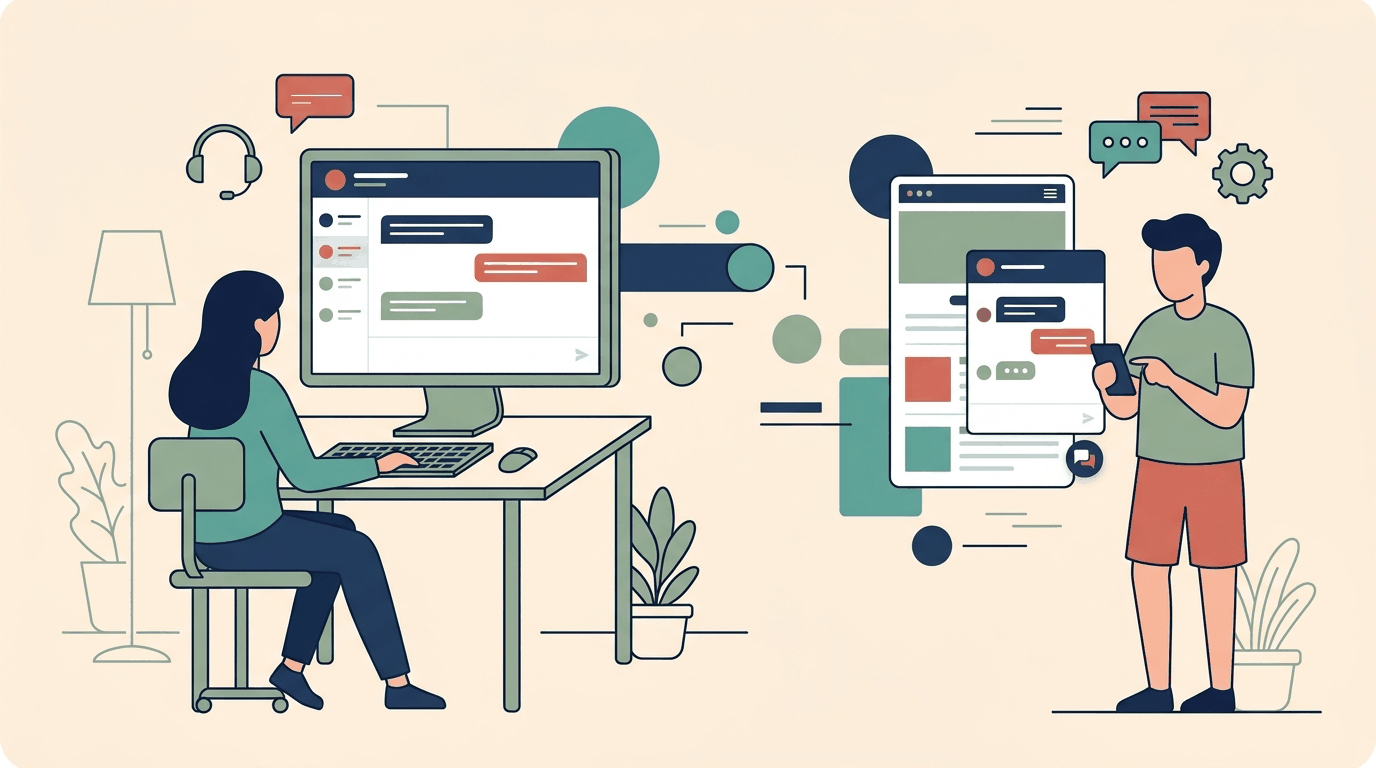
When teams set up a conversational assistant, the default pattern is almost always an embedded website widget. A visitor lands on a web page, sees a small launcher bubble in the lower corner, clicks it, and asks questions while keeping the page visible. In many workflows, this embedded interaction works well: visitors can clarify details, look up information, or locate relevant documentation while continuing their browsing session.
However, treating an embedded widget as the only deployment method limits the reach of conversational AI. Web page layouts come with inherent distractions: navigation bars, promotional banners, sidebars, and footer links. When a user needs to complete a focused task—such as an appointment intake flow, a structured qualification survey, or sequential troubleshooting—competing on-page elements introduce friction. Furthermore, many critical customer touchpoints do not occur on a traditional website at all. Printed materials, conference booths, packaging inserts, email signatures, direct messaging channels, and temporary campaign initiatives all require conversational access without forcing users to navigate through a multi-page web property.
BotChap addresses this with a hybrid deployment model. Every BotChap assistant can function both as an embedded widget within an existing website (using floating launcher or inline block modes) and as a fully hosted, standalone chat surface. Along with embed scripts, BotChap generates a dedicated direct chat link and a scannable QR code for every assistant. This architecture allows developers and operators to deploy the exact same underlying knowledge base, appointment intake logic, and survey triggers across multiple surfaces simultaneously.
In this guide, we examine the architectural differences between an embedded widget and a hosted standalone chat surface, evaluate the key operational scenarios where a standalone interface outperforms an embed, explore direct links and QR codes, and share best practices for hybrid deployments.
Architectural Differences: Embedded Widgets vs Standalone Chat Surfaces
To choose the appropriate surface for a given workflow, it helps to understand how embedded widgets and hosted standalone interfaces differ in viewport usage, styling isolation, and user ergonomics.
1. Viewport Utilization and Cognitive Focus
An embedded website widget operates as a guest component inside a host document. In floating widget mode, the chat window occupies an overlay container above host page content. Because the rest of the webpage remains visible, visitors frequently alternate between page content and the chat window. While helpful for reference queries, it dilutes focus during structured intake conversations.
In contrast, the hosted standalone chat surface takes over the entire browser viewport. The interface is dedicated exclusively to the conversation:
- No competing navigation menus, header bars, or breadcrumbs.
- No background animations, promotional banners, or third-party widgets competing for attention.
- Clean vertical layout prioritizing message history and the user input box.
When the objective is to guide a user through a sequential conversation without interruption, the distraction-free environment of a standalone surface provides a clear operational advantage.
2. Mobile Ergonomics and Input Handling
Mobile web browsing presents unique layout constraints for embedded floating widgets. On smaller smartphone screens, opening a floating chat window often requires expanding the container to near full-screen dimensions. In many mobile browsers, this expansion can clash with fixed headers, sticky cookie consent banners, or dynamic address bars. Additionally, when a mobile software keyboard appears, embedded overlays can suffer from unexpected viewport shifting or obscured input fields.
Because BotChap's standalone chat surface is designed as a responsive, dedicated web application, it handles mobile viewports cleanly:
- The entire mobile screen is allocated to the conversation dialogue, providing space for long messages and structured answer options.
- The input container remains anchored above the mobile keyboard without competing with parent page CSS or scroll wrappers.
- Users navigating from mobile touchpoints—such as scanning a QR code or tapping a link in an email—enter an interface that behaves like a native messaging application.
3. Styling Isolation and Parent DOM Freedom
BotChap's embedded widgets use shadow DOM encapsulation to prevent host website CSS rules from leaking into the chat widget, and custom CSS can be applied via the widget builder. However, on complex web applications, managing stacking contexts, z-index layering above modal dialogs, and conflicting responsive media queries still requires attention.
A hosted standalone surface runs entirely within its own isolated browser window on BotChap's infrastructure. It eliminates parent page script collisions, z-index conflicts, and framework-level lifecycle quirks. The assistant's visual branding—including brand colors, header styling, custom CSS rules, and RTL text direction—renders in a clean runtime environment without dependency on external stylesheets.
Distribution Mechanisms: Direct Chat Links and QR Codes
Every BotChap assistant includes built-in direct distribution capabilities alongside its website embed code. These mechanisms remove the requirement that an end user must first visit your primary website to engage with your assistant.
Direct Chat Links
A direct chat link is a canonical URL that routes a user straight to the hosted standalone chat surface of a specific BotChap assistant. Because it is a standard web link, it can be distributed across any digital communication channel:
- Email Signatures: Team members can append a direct link to their email signatures (for example, "Have questions or want to schedule an appointment? Chat with our assistant here").
- Customer Support Communications: Support messages or automated notifications can direct clients to a dedicated troubleshooting assistant with a single click.
- Direct Messaging and Social Channels: You can link directly to the assistant in social media profiles or direct message replies without sending users to a generic homepage.
- Client Onboarding Sequences: Welcome emails can provide an immediate orientation link where new users can ask questions grounded in your documentation.
Scannable QR Codes
For physical and real-world touchpoints, BotChap generates a QR code that encodes the direct chat link. When scanned by a mobile device's camera, the QR code immediately opens the hosted standalone chat interface in the user's mobile browser, with no native application download or account creation required.
Key deployment channels for QR codes include:
- Event Displays and Conference Collateral: Booth banners, presentation slides, name badges, and tabletop cards can display a QR code directing attendees to an assistant configured to answer event FAQs and collect appointment bookings.
- Physical Locations and Office Entrances: Reception desks, storefronts, and waiting rooms can display a QR code allowing visitors to check availability, ask service questions, or initiate an appointment intake flow.
- Printed Manuals and Packaging Inserts: Product packaging and quick-start guides can feature a QR code that connects buyers directly to an assistant grounded in uploaded product documentation.
- Promotional Print Materials: Flyers, postcards, and brochures can direct recipients straight into a qualifying conversation rather than sending them to a static page where they might drop off.
High-Impact Scenarios for Standalone Chat Surfaces
To determine when a standalone deployment is preferable to an embedded widget, consider four operational scenarios.
Scenario 1: Physical and Offline Interaction Points
The most distinct use case for a standalone chat surface is bridging physical interactions to digital conversational assistance. An embedded widget cannot serve a physical audience unless they manually type a complex URL into their mobile browser, locate the chat bubble, and wait for the page assets to load.
By placing a BotChap QR code on physical assets—such as conference materials, service counters, or printed product guides—you create an immediate bridge. The visitor scans the code, the browser opens directly into the hosted standalone chat surface, and the visitor asks questions or completes an action without navigating menus or downloading an app.
Because the knowledge base is grounded in your uploaded documents or crawled website content, the assistant provides immediate, accurate answers tailored to the physical context.
Scenario 2: High-Intent Direct Outbound and Support
In direct outbound communication or technical support, providing a general website link often introduces unwanted distraction. If a prospect clicks a homepage link from an outreach email, they might wander through other pages or lose momentum.
Providing a direct chat link creates a focused destination. The standalone surface greets the prospect with an open dialogue tailored to answering their immediate evaluation questions. If your assistant includes an appointment intake flow, the prospect can review availability and confirm a meeting directly within the chat window, triggering an immediate notification to your inbox.
Scenario 3: Dedicated Intake Flows and Surveys
When an assistant is configured to handle multi-step interactions—such as collecting client availability for an appointment or administering an in-widget qualification survey—user retention throughout the flow is critical.
On an embedded widget, a user might accidentally click outside the chat container or click a navigation link on the underlying webpage mid-conversation, interrupting the survey or booking flow. On a standalone chat surface, the entire screen focuses on conversation progression. Questions regarding client availability, service requirements, and contact details are collected without layout competition. In-widget NPS, CSAT, or lead qualification surveys execute cleanly upon intent detection or post-chat completion, routing responses directly to your inbox.
Scenario 4: Fast Deployments Without a Dedicated Website
In many operational projects, building and launching a dedicated website is a bottleneck. Early-stage product concepts, internal company initiatives, client-specific knowledge portals, and short-term marketing campaigns often require an interactive conversational interface before a full website can be designed and hosted.
With BotChap's hosted standalone surface, a team can:
- Upload reference documents into the BotChap knowledge base.
- Supplement the knowledge base by crawling existing web documentation.
- Configure visual branding, header text, and styling rules in the widget builder.
- Distribute the standalone chat link or QR code immediately to stakeholders or clients.
This allows builders to deliver a fully functional, grounded conversational assistant in minutes without writing frontend code or provisioning web servers.
Comparing the Deployment Modes
The table below outlines how BotChap's hosted standalone surface compares with floating and inline website embed modes:
| Dimension | Floating Website Embed | Inline Website Embed | Standalone Hosted Surface | | :--- | :--- | :--- | :--- | | Primary Placement | Persistent overlay on website pages | Embedded within specific page section | Dedicated full-viewport browser tab | | Distribution Method | JavaScript snippet in website HTML | JavaScript snippet in website HTML | Direct URL link and scannable QR code | | Best For | Ambient assistance during browsing | Dedicated support or contact pages | Direct outreach, QR scans, and focused intake | | Mobile Experience | Overlay expanding over host page | Scrolls with host page content | Native-feeling full-screen interface | | Parent DOM Dependency | Requires host website and DOM mount | Requires host website and DOM mount | Completely independent and self-hosted | | Cognitive Focus | Shared with surrounding page elements | Shared with surrounding page elements | 100% focused on conversational dialogue | | Setup Overhead | Add script tag to website template | Add script tag and container element | Zero website code; share URL or QR code |
Operating a Unified Hybrid Deployment
Choosing between an embedded widget and a standalone surface is not an exclusive decision. BotChap assistants support hybrid deployment, meaning a single assistant configuration operates across both modalities simultaneously.
1. Shared Knowledge Grounding
A single knowledge base powers all deployment surfaces for an assistant. When you upload new documentation or initiate a crawl of updated website content, the updated factual grounding is instantly accessible whether a user chats through an embedded floating widget or a standalone direct link. This eliminates the operational hazard of maintaining separate information silos.
2. Consistent Branding and RTL Configuration
The visual appearance of both your embedded widget and your hosted standalone surface is governed by the widget builder. Settings configured in the builder—including primary accent colors, avatar presentation, header labels, custom CSS styling, and right-to-left (RTL) text support—apply consistently across both surfaces. A user transitioning from scanning a physical QR code to visiting your website encounters an identical brand identity.
3. Centralized Appointment and Survey Pipelines
When users complete an appointment intake flow or answer an in-widget qualification survey, the underlying notification pipeline functions uniformly:
- Availability details, client contact information, and requested times are captured conversationally.
- Booking confirmations are delivered directly within the active chat surface.
- Notifications are dispatched immediately to the owner's inbox.
- Survey responses route to the owner's inbox with full session context, regardless of which surface hosted the conversation.
Step-by-Step Setup Checklist
To deploy your BotChap assistant across both embedded and standalone surfaces, follow this checklist:
Step 1: Ground Your Assistant in Verified Content
Begin by populating the BotChap knowledge base. Upload source documents and trigger crawls of your existing website pages. Grounding your assistant ensures that answers remain accurate whether delivered via a website embed or a direct standalone link.
Step 2: Configure Widget Branding and Layout
Open the BotChap widget builder to define your assistant's visual presentation. Configure brand colors, test custom CSS overrides, and verify RTL support if serving right-to-left language audiences. These styling rules format both your embedded widget and your hosted standalone chat interface.
Step 3: Enable Appointment Intake and Survey Flows
Define the conversational intake workflows your assistant should support. If you accept bookings, configure client availability collection and confirm your notification email address. If you require feedback or qualification data, set up your NPS, CSAT, or lead qualification surveys across intent, post-chat, or button triggers.
Step 4: Retrieve and Distribute Your Direct Link and QR Code
Navigate to your assistant's deployment settings:
- Copy the direct chat link and test it in a browser window to verify the full-screen standalone layout.
- Download the generated QR code for use in print materials, conference signage, or physical documentation.
- Copy the embed snippet if you also plan to run the assistant as a floating or inline widget on your main website.
Step 5: Test Across Viewports
Before distributing links or printing physical QR codes, test the standalone surface across desktop and mobile devices. Verify that responses render cleanly, input fields behave properly when mobile keyboards open, and appointment confirmation notifications arrive promptly in your inbox.
Summary
Conversational assistants are no longer confined to small floating widgets on a homepage. While embedded widgets remain an essential tool for on-page visitor assistance, BotChap's hosted standalone chat surfaces, direct links, and scannable QR codes expand conversational AI across offline environments, direct communications, and focused task flows.
By adopting a hybrid deployment model, you give your users the flexibility to engage wherever they encounter your brand while maintaining a single, grounded knowledge base and a reliable notification pipeline.
Try BotChap free and explore both standalone hosted chat surfaces and embedded website widgets today.