How to keep a BotChap knowledge base grounded in your business content
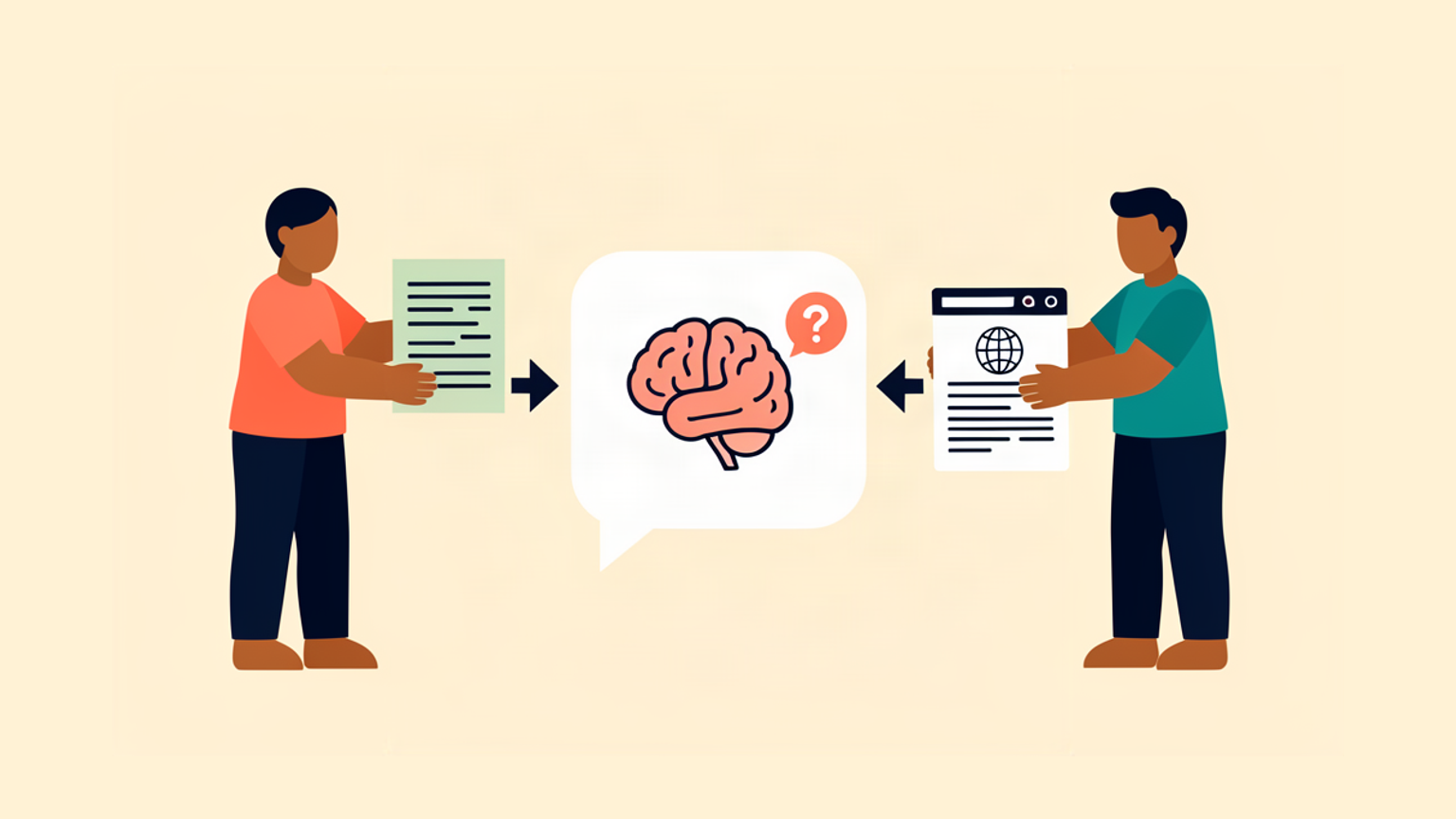
A chatbot is only as useful as the content sitting behind it. BotChap grounds answers in your own material through two knowledge-base inputs: you can upload documents, or you can crawl website content, so the chat answers from what your business already publishes and maintains rather than from a generic model's assumptions. This is a setup and operating guide for both routes. It covers what to feed in, what to leave out, how the two inputs divide the work, and how to stop the knowledge base from drifting out of date.
What grounding actually means here
Grounded means the bot's answers trace back to content you control and can edit. BotChap supports two ways to supply that content: document uploads and website-content crawling. There is no single correct mix. The right choice depends on where the authoritative version of each answer already lives, and how often it changes.
A knowledge base is not a one-time configuration step. It is a content set you maintain the same way you maintain the rest of your documentation. The teams that get good answers are the ones that treat it as an ongoing editorial job, not a launch task.
Route one: document uploads
Use document uploads for content that lives in files rather than on public pages. This is where a surprising share of the useful answers sit, because a public site usually shows only a fraction of what a business actually knows. Typical material for this route:
- Policies, terms, and eligibility rules.
- Product sheets and feature specifications.
- Onboarding guides and first-week instructions.
- Support macros and known-issue write-ups.
- Internal runbooks and process documents.
A few practical rules make uploads work harder for you.
Upload the canonical version only. If a policy exists in three drafts, upload one and archive the rest. Duplicate but slightly different documents are the fastest way to get answers that contradict each other, and you will not be able to tell which one the bot used.
Write for retrieval, not for reading. A document that reads well from top to bottom may not answer a question in isolation. Use clear headings, keep sections self-contained, and state rules as plain declarative sentences. If an answer depends on context established three pages earlier, restate it where it is needed.
Keep one topic per document where you can. Smaller, single-subject documents make updates surgical. When a policy changes, you replace one file instead of editing a monolith and hoping you caught the right paragraph.
Strip what you do not want answered. Draft pricing, internal names, unannounced features, and confidential notes should not go into the knowledge base. Review each document with the question "would I be comfortable if the bot quoted this line back to a customer?"
Route two: website-content crawling
The second route points BotChap at your website content so the bot answers from the pages you already maintain. This is the right input for material that is public, already written, and edited on its own schedule: product pages, pricing pages, FAQs, help-center articles, and documentation.
Crawling has its own discipline, because you are feeding the bot pages written for a different purpose.
Crawl scope is a decision, not a default. Pointing the crawl at an entire domain pulls in blog archives, campaign landing pages, and event pages that were never meant to answer product questions. Narrow the scope to the sections that contain real answers. A tight crawl of your help center usually beats a broad crawl of everything.
Crawled content reflects the site at crawl time. Public pages change. A page you rewrote last month may still be answering questions in the bot in its older form if the knowledge base has not caught up. Treat the crawl as a snapshot, and refresh it when the underlying pages move.
Watch for tone mismatch. Marketing pages and documentation pages answer the same question differently. If both are in scope, the bot may sound like a brochure on one query and a manual on the next. Decide which voice you want for which topics, and scope accordingly.
Choosing between the two routes
A simple way to decide, question by question:
- The answer already lives on a public page you maintain, and it changes when the page changes: crawl it.
- The answer lives in a file, an internal document, or a resource that is not public: upload it.
- You need the answer worded exactly as written, with no paraphrase drift: upload it.
- The content changes often and is edited directly on the site: crawl it, and refresh the crawl when it moves.
Most mature setups end up mixing both. That is expected. The goal is not to pick a winner but to send each answer to the input where its source of truth actually lives.
A setup order that keeps you honest
Work the sequence below in order. It front-loads the decisions that are expensive to reverse.
- Inventory the questions. Start from the questions you actually get: the top twenty support tickets, the objections sales hears, the questions new customers ask in their first week. This list is your test set, not a nice-to-have. Without it you are guessing at coverage.
- Map each question to a source. For every question, write down where the authoritative answer lives today. This map tells you which route each piece of content takes, and it exposes questions with no good source at all.
- Feed the sources. Upload the documents that carry file-based answers. Crawl the sections that carry public answers. Keep the scope decisions from above deliberately narrow.
- Test against the inventory. Ask the bot your real questions, in the words a customer would use, not the words your documentation uses. Note every gap, every hedge, and every answer that sounds confident but is wrong.
- Fix the source, not the bot. The instinct when an answer is wrong is to add a special instruction. Resist it. A wrong answer is almost always a content problem: the source is missing, stale, or contradictory. Fix it at the source and the bot corrects itself.
- Set a review cadence. Decide now when you will re-run the inventory questions. The answer is usually after every material product or policy change, plus a standing periodic review.
The failure modes worth knowing
Most grounding problems fall into a handful of predictable shapes. Knowing them in advance saves a lot of debugging.
Stale content. The most common failure. A policy changed, a page was rewritten, and the knowledge base still holds the old version. Answers are confidently out of date.
Contradiction between routes. A document says one thing and a crawled page says another. The bot picks one, and you cannot tell which without testing.
Thin pages in scope. A page that only says "contact us" or "coming soon" adds noise without adding answers. Keep them out of the crawl.
Duplicated content across both routes. The same answer uploaded as a document and present on a crawled page is a contradiction waiting to happen. Pick one home for each answer.
An over-scoped crawl. Every extra section in scope is another chance for an off-topic answer to surface. Narrow scope is a feature.
The operating rhythm
Once the knowledge base is live, keeping it grounded is a light but regular habit.
Keep a short list of the content that changes most often: pricing pages, policy documents, onboarding steps. When any of them change, update the corresponding source in the knowledge base the same day. When you notice the bot giving a wrong or hedged answer more than once, treat it as a content bug and trace it back to the source.
A quarterly pass through your question inventory catches the drift that creeps in between changes. Ask the same twenty questions, compare the answers to what you expect, and fix what has slipped. It takes an hour and it is the difference between a knowledge base that decays and one that stays current.
Where the two routes meet
The clean split is usually this: crawl the public site so the bot answers from the pages your visitors can already read, and upload the documents that hold answers your site does not publish. Together they let the chat answer from your own content across both the public and the private side of the business, which is exactly the point of grounding.
Get the sources right, keep them current, and the rest of the configuration gets a lot easier. Try BotChap free