How to trigger lead qualification and feedback surveys inside BotChap
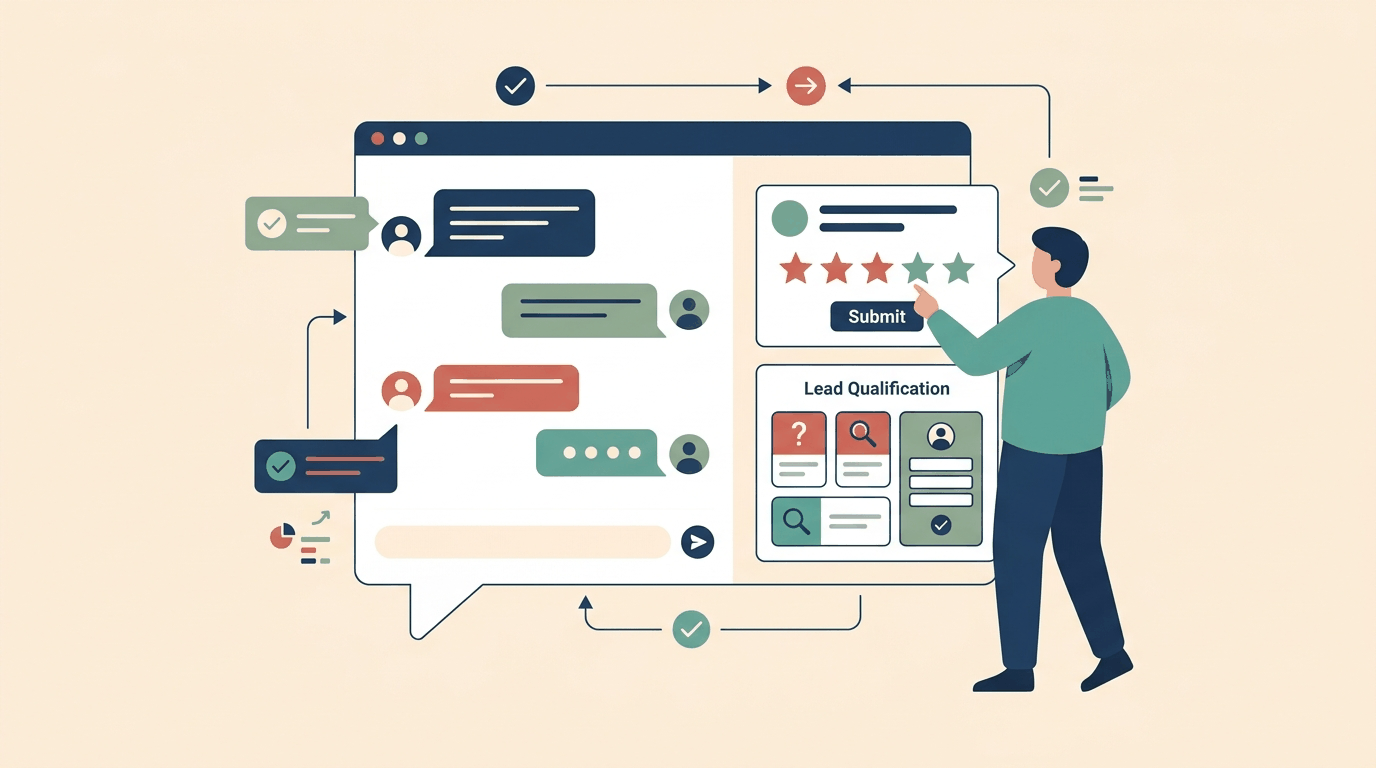
When visitors engage with a conversational assistant on your website, their intent is at its highest point while the conversation is active. Asking for feedback or qualifying their requirements through an external form, a redirected link, or an email days later introduces immediate drop-off. By the time a user leaves your site, the context of their interaction has faded, and the likelihood of capturing accurate responses falls sharply.
BotChap addresses this problem by keeping survey interactions entirely inside the chat widget. Instead of routing users to external survey tools or third-party forms, BotChap allows builders to run Net Promoter Score (NPS), Customer Satisfaction (CSAT), and lead-qualification surveys directly within the active conversation surface. Responses are collected conversationally and delivered directly to the owner's inbox.
The critical architectural decision when implementing in-widget surveys is not just what questions to ask, but when and how to display them. A survey that interrupts a visitor prematurely frustrates the user, while a survey that appears too late may never be seen. BotChap provides three native trigger modes to govern survey presentation:
- Intent-based triggering: Evaluating conversation context and triggering the survey when a visitor expresses specific intent.
- Post-chat triggering: Presenting the survey after a conversation concludes or when the visitor attempts to close the chat.
- Button triggering: Allowing visitors to initiate surveys on demand through interactive widget buttons.
This guide walks through the technical setup, behavioral design, and operating principles for each trigger mode in BotChap, helping you collect high-fidelity feedback and qualified lead details without degrading the user experience.
Understanding In-Widget Survey Architecture
In BotChap, surveys are embedded directly into the widget runtime rather than loaded as third-party iframes. This architecture provides several practical advantages for builders:
- Styling consistency: Because the survey renders inside the widget's shadow DOM container, your visual branding, custom CSS, and right-to-left (RTL) formatting apply cleanly without stylesheet conflicts from the parent page.
- State awareness: The survey engine has direct visibility into the conversation lifecycle, allowing trigger rules to respond to message counts, active topics, and user actions.
- Instant dispatch: When a visitor submits their responses, BotChap packages the answers alongside session context and dispatches an alert directly to the owner's inbox.
BotChap supports three core survey types natively:
- Net Promoter Score (NPS): Standardized loyalty measurement capturing customer likelihood to recommend on a structured numerical scale.
- Customer Satisfaction (CSAT): Transactional feedback evaluating the quality of a specific interaction or answer.
- Lead qualification: Structured field collection gathering contact details, project scope, budget indications, or timeline requirements from prospective clients.
Let us examine how to implement each trigger mechanism effectively.
Trigger Mode 1: Mid-Conversation Intent Triggers
The most dynamic way to present a survey in BotChap is using intent triggers. An intent trigger fires when the conversational assistant detects that a visitor's messages match a defined operational scenario.
When to Use Intent Triggers
Intent triggers are ideal for lead qualification and specialized routing. For example, if a visitor asks detailed questions about your service capabilities, deployment options, or team onboarding, they are demonstrating active purchase intent. Waiting until they close the widget risks losing the lead if they navigate away abruptly.
Conversely, triggering a lead-qualification survey on the first message feels aggressive and drives visitors away. Intent-based activation ensures that the qualification workflow surfaces only after meaningful engagement has occurred.
Defining Intent Boundaries
When configuring intent triggers in BotChap, specify clear conversational boundaries:
- Keyword and semantic scope: Define the specific topics that indicate qualification readiness, such as requests for pricing discussions, technical consultations, or project scoping.
- Conversation depth threshold: Require a minimum number of prior message exchanges (typically three to five messages) before an intent trigger can fire. This ensures the assistant has answered the visitor's initial inquiries before asking for structured data.
- Graceful decline handling: If a visitor dismisses the survey prompt or chooses to continue chatting, the assistant should seamlessly resume normal conversation without trapping the user in a mandatory form loop.
Practical Workflow Example
Consider a visitor evaluating your offerings who asks:
"Can your team handle custom implementations, and what is your availability for next month?"
The assistant responds with the factual information available in its knowledge base:
"Yes, custom implementations are supported. Availability depends on the project scope and schedule requirements."
Because purchase and scheduling intent were detected, the assistant surfaces the lead-qualification survey directly below the response:
"Would you like to share a few details about your project timeline and contact information so our team can follow up directly?"
If the visitor completes the fields, the responses are compiled and sent to the owner's inbox immediately. If the visitor ignores the card and asks another question, the assistant continues answering naturally.
Trigger Mode 2: Post-Chat Feedback Triggers
Post-chat triggers activate at the natural end of an interaction. In BotChap, this can occur either when a visitor explicitly ends the chat session, reaches a resolution confirmation, or closes the widget container.
Designing Effective Post-Chat CSAT and NPS
Post-chat timing is the natural home for CSAT and NPS surveys. Visitors are generally willing to spend ten seconds rating an interaction they just completed, provided the rating interface is compact and immediate.
To maximize response rates while maintaining clean data:
- Set a minimum engagement floor: Never trigger a post-chat survey if the visitor sent zero or only one message. A visitor who accidentally opened the widget and closed it immediately should not be asked to rate the experience. Configure the trigger to require at least two meaningful visitor messages.
- Keep questions minimal: Focus on a single rating dimension (such as a 1-to-5 CSAT score or a 0-to-10 NPS scale) accompanied by an optional open-text comment field. Multi-page surveys presented at widget close suffer high abandonment.
- Non-blocking close action: Ensure that dismissing the survey allows the widget to close instantly without secondary confirmation dialogs.
Handling Survey Completion
Once a visitor selects a score and submits feedback, BotChap displays a brief confirmation card inside the widget. The submission payload—including the rating value, optional comments, conversation timestamp, and transcript context—is transmitted directly to the owner's inbox. This enables business owners to review negative feedback quickly and identify recurring knowledge gaps in their assistant configuration.
Trigger Mode 3: Button-Initiated Surveys
Button triggers provide explicit, on-demand activation controlled directly by the visitor or exposed via interactive quick-reply prompts.
Use Cases for Button Triggers
Button triggers remove guesswork by placing the survey invocation in the visitor's hands. Common applications include:
- Persistent menu actions: Placing a "Request Consultation" or "Leave Feedback" button in the widget header or persistent footer menu.
- Suggested action chips: Offering a "Qualify Project" or "Rate This Answer" chip at the conclusion of an informational answer.
- Direct call-to-action cards: Presenting a dedicated action card when the knowledge base indicates that an inquiry requires manual specialist review.
Setup and Configuration
When implementing button triggers in BotChap:
- Clear labeling: Use concise, transparent action labels such as "Schedule Intake", "Request Quote", or "Rate Response". Avoid ambiguous labels that leave the visitor unsure of what will open.
- Smooth inline transition: When tapped, the button transitions the widget view into the structured survey card within the conversation stream, keeping the prior dialogue visible above for reference.
- Resumable conversation: After the survey is completed or cancelled, ensure the chat input remains accessible so the visitor can continue asking questions without reloading the page.
Best Practices for Survey Trigger Design
Implementing survey triggers effectively requires balancing data collection goals against conversational fluidity. Here are core operating principles to maintain across all BotChap deployments:
1. One Survey Per Session Rule
Avoid presenting multiple surveys in a single visit. If a visitor completes a lead-qualification survey mid-chat via an intent trigger, suppress any post-chat NPS or CSAT prompts during the same session. Stacking multiple surveys annoys visitors and diminishes the perceived professionalism of your brand.
2. Guarding the Owner Notification Pipeline
Because survey responses route directly to the owner's inbox, ensure that field validation is configured appropriately. For lead-qualification flows, require at least one verified contact channel (an email address or phone number) so notification alerts contain actionable follow-up information.
3. Aligning Embed Mode with Survey Purpose
BotChap supports both floating and inline widget embed modes:
- Floating widgets: Best suited for lightweight CSAT and post-chat NPS triggers where the chat functions as an ambient site assistant.
- Inline widgets: Ideal for dedicated lead qualification and intake pages where structured survey flows occupy a prominent container within the page layout.
4. Respecting Mobile Constraints
On mobile viewports, the widget expands to occupy a substantial portion of the screen. Keep survey cards compact, ensure touch targets for numerical scales are sufficiently spaced, and verify that the virtual keyboard does not obscure form submission buttons.
Summary of Trigger Selection
| Trigger Mode | Best Survey Type | Optimal Activation Point | Target User Outcome | | :--- | :--- | :--- | :--- | | Intent Trigger | Lead Qualification | 3+ messages into commercial discussion | Captures high-intent prospect details before exit | | Post-Chat Trigger | CSAT / NPS | After chat resolution or widget close | Measures interaction quality with minimal friction | | Button Trigger | Intake / On-Demand Feedback | Persistent menu or contextual action chip | Provides explicit, user-initiated data submission |
By aligning your survey trigger strategy with user intent and conversation context, you can turn BotChap into both an effective automated assistant and a reliable channel for capturing customer feedback and qualified business opportunities.
Try BotChap free and configure custom conversational chat widgets, knowledge grounding, and in-widget survey triggers for your website today.