Designing an appointment intake flow with BotChap
When a visitor wants to book an appointment with your business, sending them to an external calendar link or a static form often breaks momentum. A visitor who is already on your page or chatting with your bot usually has questions first. They want to know what a session covers, what preparation is required, or whether your services match their situation. If they have to leave the conversation to fill out a separate form, many simply drop off.
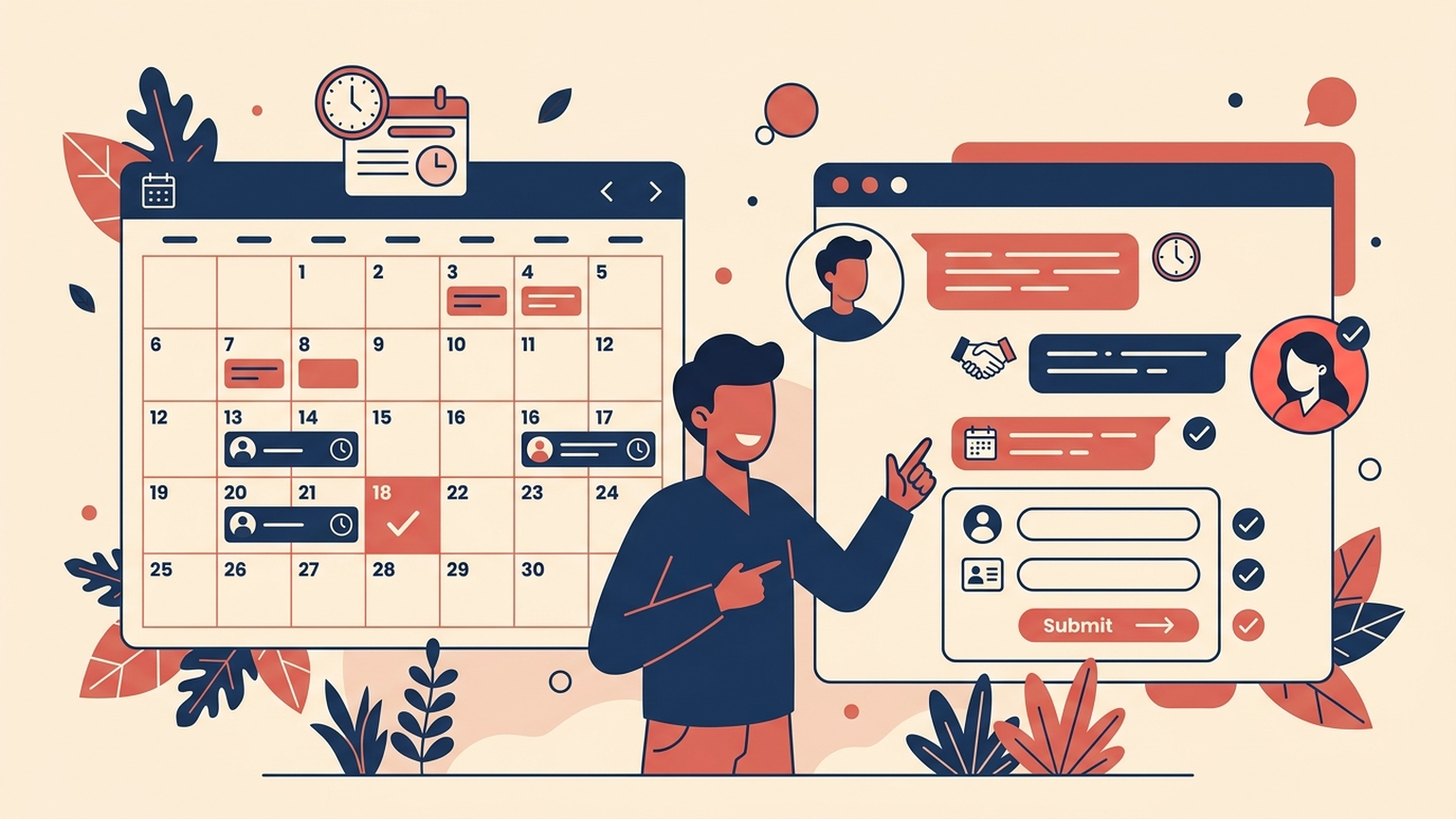
BotChap solves this by embedding the appointment intake flow directly into the conversation. Rather than treating appointment scheduling as an external tool or an afterthought, BotChap allows you to collect client availability, confirm the booking details in chat, and notify the owner as soon as the intake completes.
This guide walks through how to design and structure an effective appointment intake flow with BotChap. We will cover how the three core stages fit together, how to structure availability collection so visitors actually complete it, how to handle confirmations, and how owner notifications keep your operational loop tight.
The three stages of an appointment intake flow
Every effective conversational booking flow consists of three distinct stages:
- Availability collection: Gathering the client's scheduling preferences and contact information in a structured, conversational sequence.
- Booking confirmation: Summarizing the collected details back to the client so both sides have a clear, mutual record of what was requested.
- Owner notification: Transmitting the complete intake record directly to the business owner so follow-up or calendar reservation happens immediately.
Keeping these three stages distinct makes the flow predictable for both the visitor and the person running the business. Let us look at how each stage operates in practice.
Stage 1: Collecting client availability conversationally
In a static web form, a user is confronted with a dozen blank fields at once. In a conversational interface, the interaction moves one question at a time. This lower cognitive load is the primary reason conversational intake yields significantly higher completion rates.
However, conversational intake requires deliberate design. If your bot asks open-ended, ambiguous questions, visitors provide vague answers that require multiple rounds of clarification. If it asks too many rigid questions, the visitor feels interrogated.
To strike the right balance in BotChap, structure your availability intake around three core data points:
1. The service or appointment focus
Before asking when someone is free, make sure the chatbot confirms what the appointment is for. If your knowledge base already describes your service offerings, the visitor may have arrived at the booking step after discussing a specific topic. The intake flow should acknowledge that context: "I can help schedule that consultation. To start, what is the best way to reach you?"
2. Contact details
Collect the client's name and primary contact method (email or phone number) early in the intake sequence. Getting the contact information upfront ensures that even if a visitor closes their browser tab before picking a time, the owner still receives the contact record and can reach out manually.
3. Preferred dates and time windows
Asking visitors for exact calendar timestamps in a chat interface often creates friction, because people rarely know their minute-by-minute calendar off the top of their head while browsing. Instead, design your availability prompts around practical windows:
- "Which days of the week work best for you?"
- "Do you prefer mornings, afternoons, or evenings?"
- "Is there a specific date next week you have in mind?"
By capturing preferred days and time blocks, BotChap collects actionable scheduling windows without requiring complex calendar picker widgets that often render poorly on mobile screens.
Stage 2: Confirming the booking inside the conversation
Once the visitor provides their contact details and availability preferences, the intake flow must provide explicit closure. A common mistake in automated intake is ending the conversation abruptly with a generic message like "Thanks, we got your info." That leaves visitors wondering whether their request went through and what happens next.
A well-designed BotChap confirmation stage does two things:
1. Summarizes the collected details
The chatbot reflects the intake summary back to the visitor in a clean, readable format:
- Client name
- Contact details provided
- Requested service or consultation topic
- Preferred date and time window
Seeing their own details summarized gives the visitor immediate reassurance that the assistant captured their input accurately.
2. Sets explicit expectations for the next step
The confirmation message must state clearly what will occur next. Because BotChap notifies the owner with the collected intake data, the bot can give a concrete operational expectation: "We have received your requested times. Our team will review the availability and send your final confirmation to your email shortly."
This clarity closes the conversational loop and prevents the visitor from submitting duplicate requests across other channels.
Stage 3: Notifying the owner immediately
Capturing an appointment request is only half the battle. If the request sits in a database unnoticed for hours, the lead goes cold, or the client books with someone else who responded faster.
BotChap automates this handoff by notifying the owner as soon as the booking is confirmed. The notification delivers the complete intake bundle:
- The client's full name and contact information
- The requested appointment focus or service type
- The preferred dates and time windows
- The timestamp of the request and the conversation context
Because the notification reaches the owner directly, you or your team can immediately review the requested time window, check your master schedule, and issue the final confirmation to the client. This keeps operations simple: the chatbot handles the 24/7 intake and qualifying questions, while you retain full control over your calendar commitments.
Grounding the booking flow in your knowledge base
An appointment intake flow does not live in isolation. In real-world browsing sessions, visitors rarely open a chat widget and say "book appointment" right away.
Instead, they ask exploratory questions:
- "What is included in an initial consultation?"
- "How long does a typical session take?"
- "Do you work with clients in my industry?"
- "What do I need to prepare before we meet?"
This is where BotChap's architecture provides a major advantage. Because BotChap combines appointment intake with knowledge-base grounding (powered by your uploaded documents and crawled website content), the chatbot can answer substantive preparatory questions before initiating the booking sequence.
When a visitor asks about your process or fees, the bot answers accurately from your uploaded documentation. Once the visitor is satisfied and expresses interest in meeting, the assistant smoothly pivots from answering questions to initiating the intake flow. This natural transition feels helpful rather than transactional.
Choosing the right deployment surface for appointment intake
Depending on how your business operates, the appointment intake flow can be deployed across several different surfaces:
1. Dedicated inline booking page
If you have a dedicated page for consultations, demos, or discovery calls, embed the BotChap widget in inline mode. In this layout, the chat surface sits directly within the page container, occupying the primary content area where a traditional web form would normally live. Visitors arriving on this page immediately see the chat interface ready to begin intake.
2. Floating widget across site content
If you want appointment booking to be available across your entire website, deploy BotChap in floating mode. The widget sits quietly in the corner of the viewport while visitors read your blog posts, documentation, or service pages. If a visitor decides they want to talk to you after reading an article, they tap the launcher and initiate intake without navigating away from the page.
3. Standalone hosted surface via direct link or QR code
You do not even need a website embed to run BotChap's appointment flow. Every BotChap bot can be deployed as a standalone hosted chat surface. You receive a direct link and a scannable QR code that leads directly to the full-page chat experience.
This standalone surface is ideal for channels outside your main website:
- Placing a direct chat link in your email signature or message bio.
- Printing a QR code on business cards, flyers, or physical collateral.
- Sharing a direct link in proposals or outreach messages.
Whether a client finds you through an embedded widget on your desktop site or by scanning a QR code from their phone, they experience the exact same structured intake flow, and the owner notification arrives through the same channel.
Practical design checklist for builders
When configuring your appointment intake flow in BotChap, review this practical checklist:
- Keep intake fields minimal: Only ask for what you need to evaluate availability and contact the client. Every additional field decreases completion rates.
- Sequence questions logically: Collect contact details before asking for specific availability windows so partial drop-offs still yield a contact record.
- Ensure knowledge base coverage: Verify that your uploaded documents and crawled pages answer standard questions about session duration, prerequisites, and policies.
- Review confirmation wording: Make sure the confirmation summary clearly explains how and when the owner will follow up.
- Verify owner notifications: Confirm that owner notification delivery is working properly so incoming bookings are reviewed promptly.
- Test on mobile viewports: Complete a test booking from a phone to ensure the text inputs, button responses, and layout work seamlessly on small screens.
By designing your appointment intake flow around structured availability collection, clear confirmations, and immediate owner notifications, you turn your chat surface into an automated intake pipeline that works around the clock.
If you are ready to set up an automated appointment flow for your site, get started today. Try BotChap free.
Related reading
When to use BotChap as a standalone chat surface instead of a website embed
October 16, 202611 min read
How to trigger lead qualification and feedback surveys inside BotChap
October 13, 20267 min read
How to answer Instagram and Facebook Messenger DMs with your BotChap AI assistant
October 8, 20267 min read